Belkin AirTag Case Review | Secure Holder Key Ring for Car Keys
I tend to worry
about small things
more than I probably need to.
One of those things
was losing my car key.
When I was looking at cars,
I noticed that some came
with two keys,
while others only came
with one.
Since cars are usually delivered
with two keys,
I kept thinking,
“If there’s only one,
does that mean
the other one was lost?”
So as soon as
I bought my car
and received the key,
one of the first things I did
was attach an AirTag to it.
My Previous Handmade AirTag Keychain
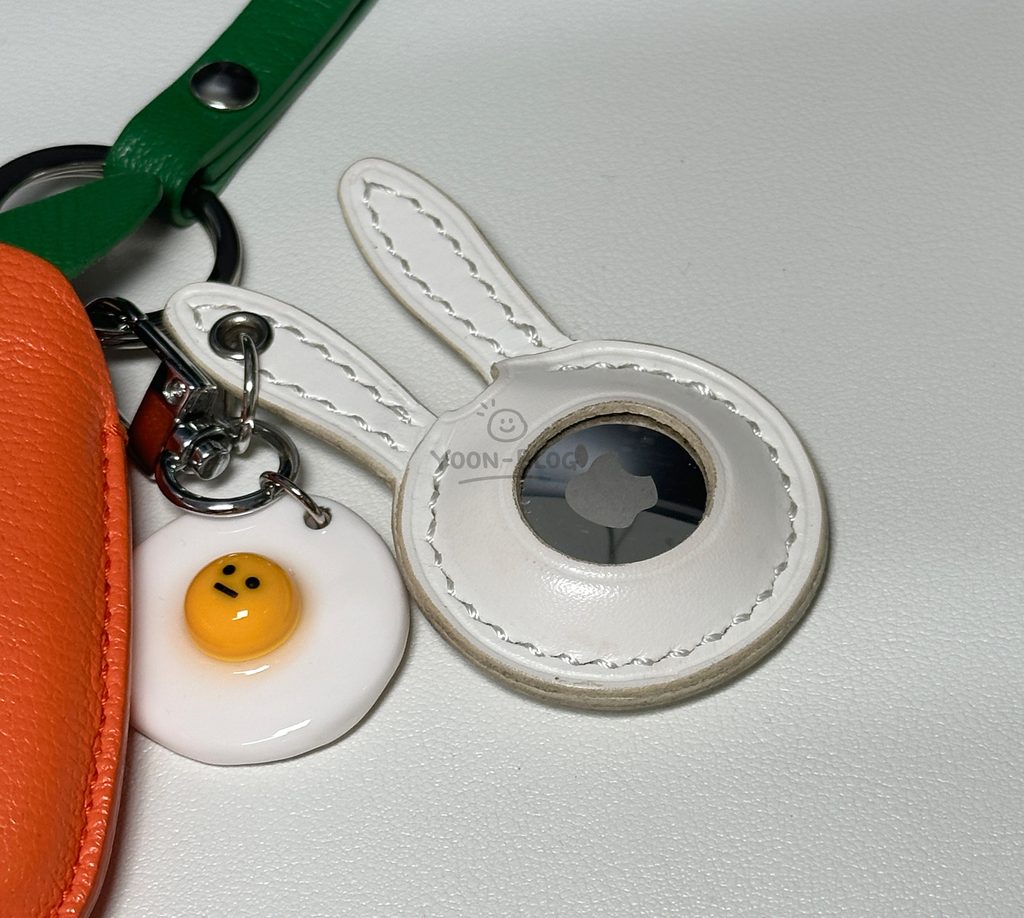
My car key case
is shaped like a carrot.
And naturally,
when I thought of a carrot,
I thought a rabbit
would look cute next to it.
So I went
to a leather workshop
with my AirTag
and asked them
to make a rabbit
that would fit
the AirTag perfectly.
I used that handmade
rabbit AirTag keychain
for about a year
without thinking much about it.
Then I ran into
one problem
I hadn’t considered.
The AirTag battery.
AirTags Need Battery Replacements
After about a year,
my AirTag started telling me
that the battery
needed to be replaced.
The problem was
that my handmade rabbit case
was completely stitched
around the AirTag.
Which meant…
I had to cut it open
just to replace the battery.
I could have asked
for a design
that allowed the AirTag
to be removed,
but it probably
wouldn’t have looked
as clean or cute.
And going back
to a leather workshop
every year
to remake the case
would get expensive
pretty quickly.
So this time,
I decided to use
something simpler
and easier to maintain.
That’s how I ended up
with the
Belkin AirTag Secure Holder Key Ring.
And this one
was also a birthday gift.
Belkin AirTag Case Packaging
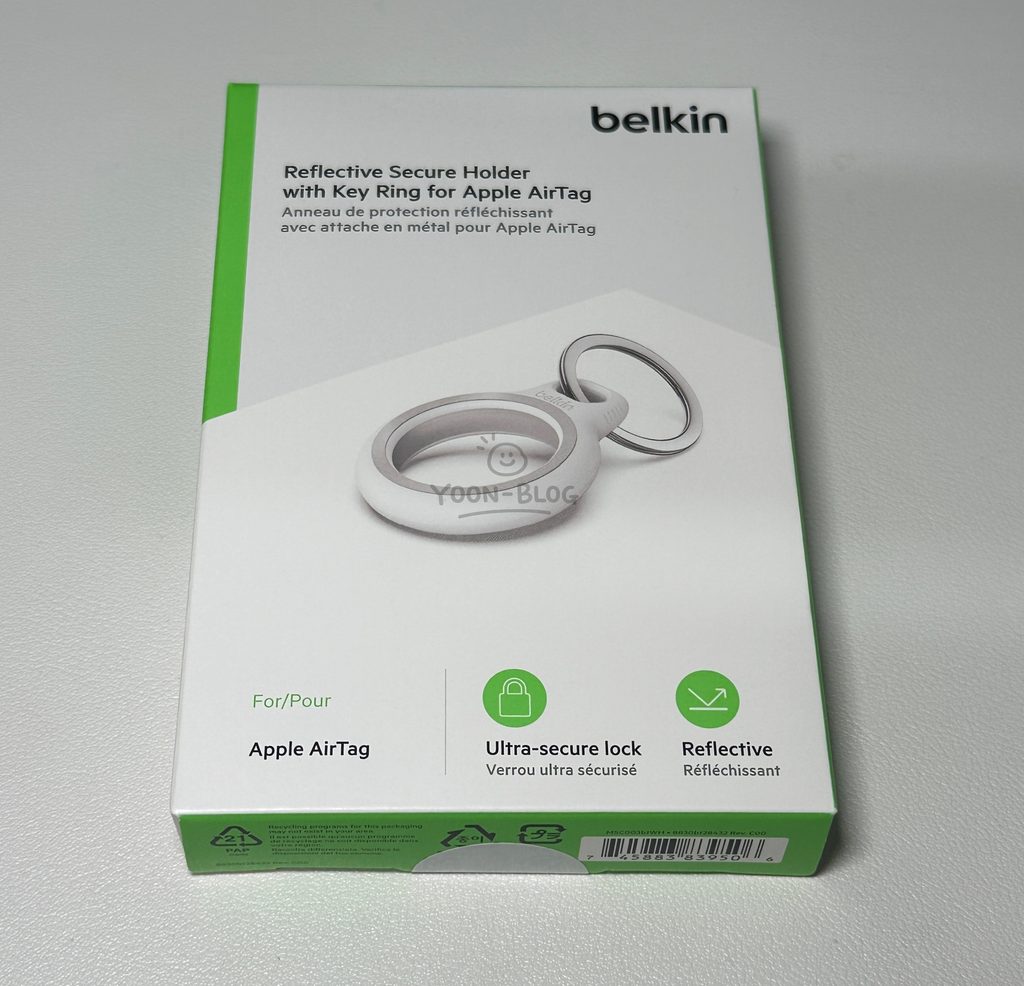
This isn’t an electronic device,
so there’s really
not much inside the box.
The packaging
is very simple.
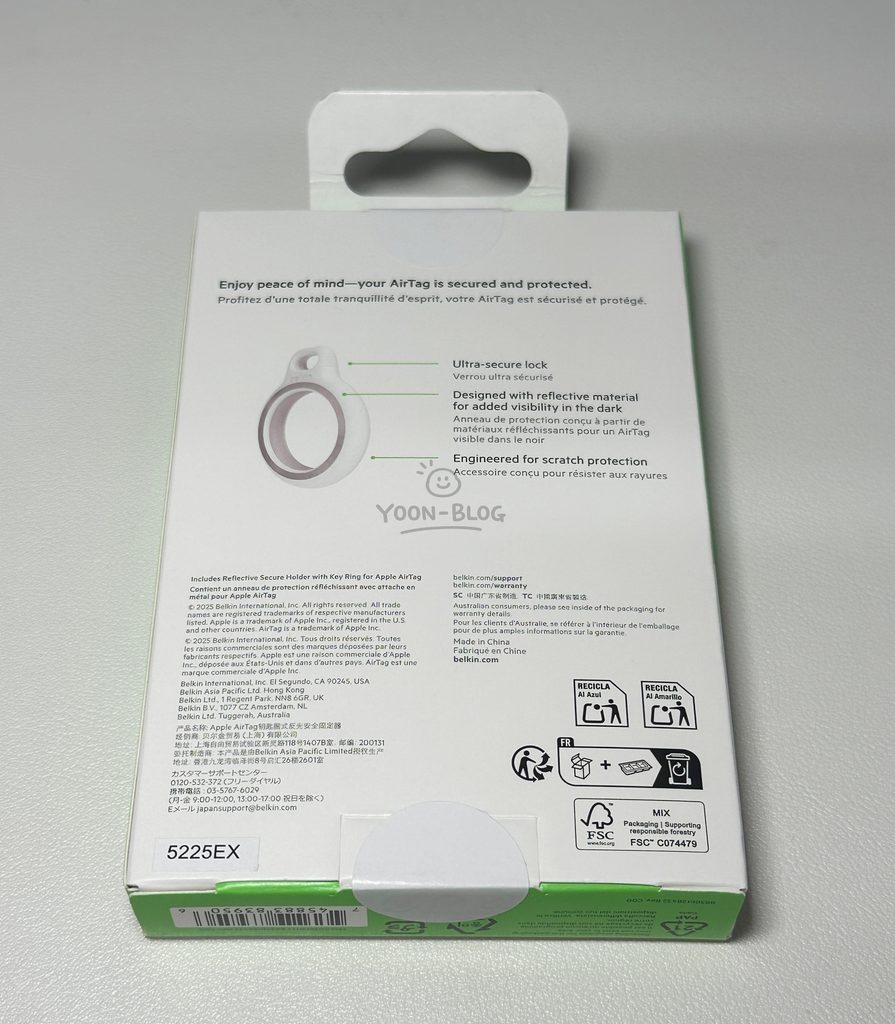
On the back,
there’s some basic information
about the product.
It also mentions
scratch resistance.
Personally,
I would have preferred
a case that completely
covered the back
of the AirTag.
But this one
leaves part of the AirTag exposed.
That’s probably
my biggest complaint
about the design.
What’s Included
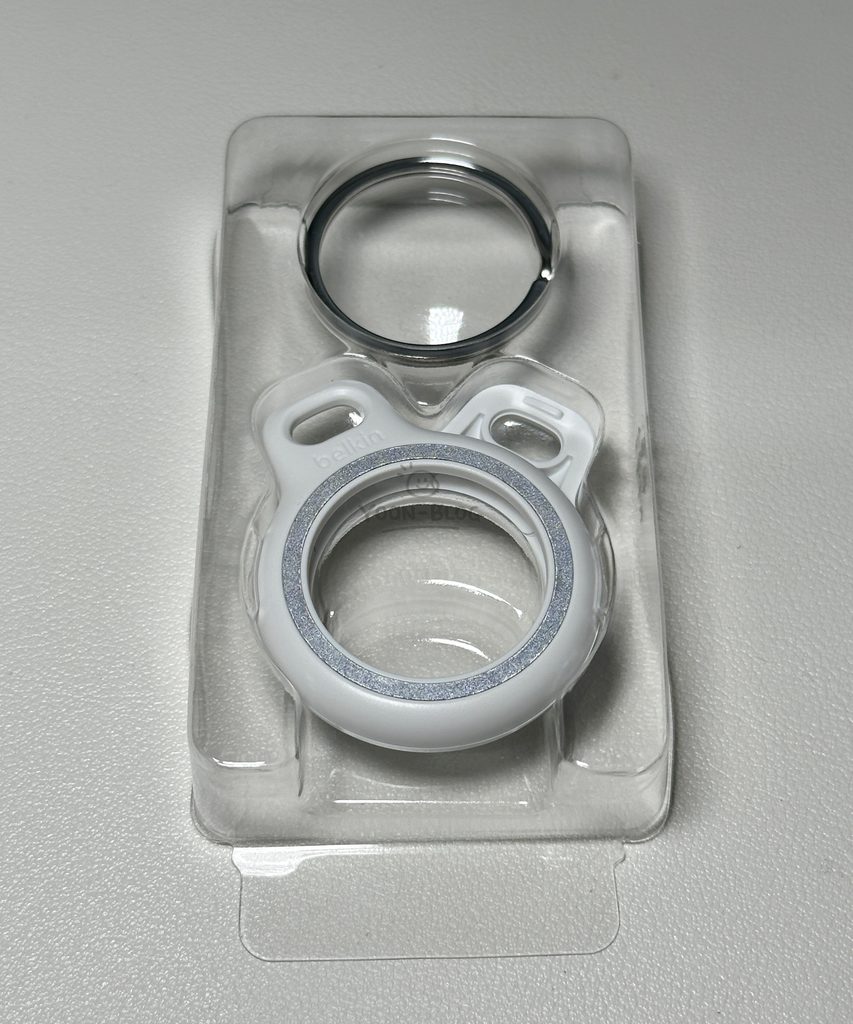
Inside the package,
you get:
- Belkin AirTag holder
- Metal key ring
That’s basically it.
You don’t need
any additional tools
to install the AirTag.
Saying Goodbye to My Rabbit Keychain
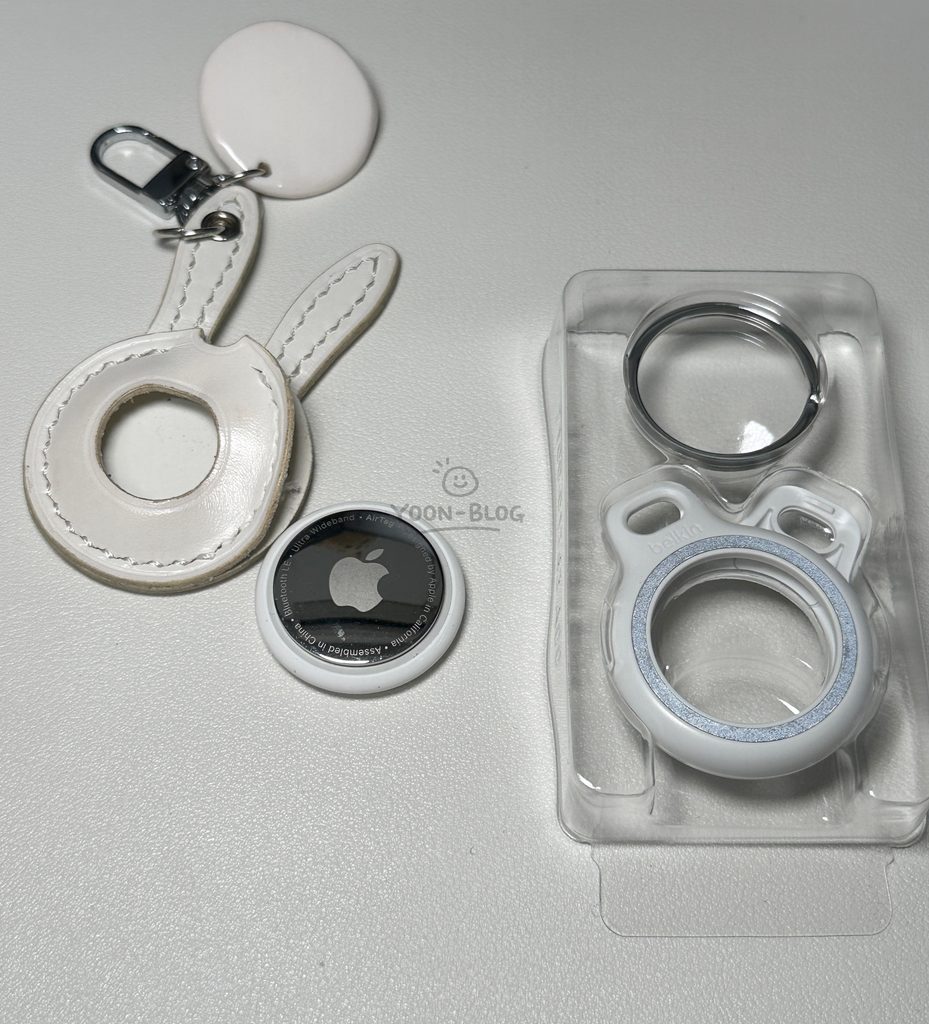
First,
I had to remove the AirTag
from the rabbit keychain
I had been using
for the past year.
And honestly…
the thread used
by the leather workshop
was much stronger
than I expected.
Even cutting it open
just to get the AirTag out
took more effort
than I thought.
Thank you
for the past year,
rabbit.
“이 포스팅은 쿠팡 파트너스 활동의 일환으로, 이에 따른 일정액의 수수료를 제공받습니다.”
Replacing the AirTag Battery
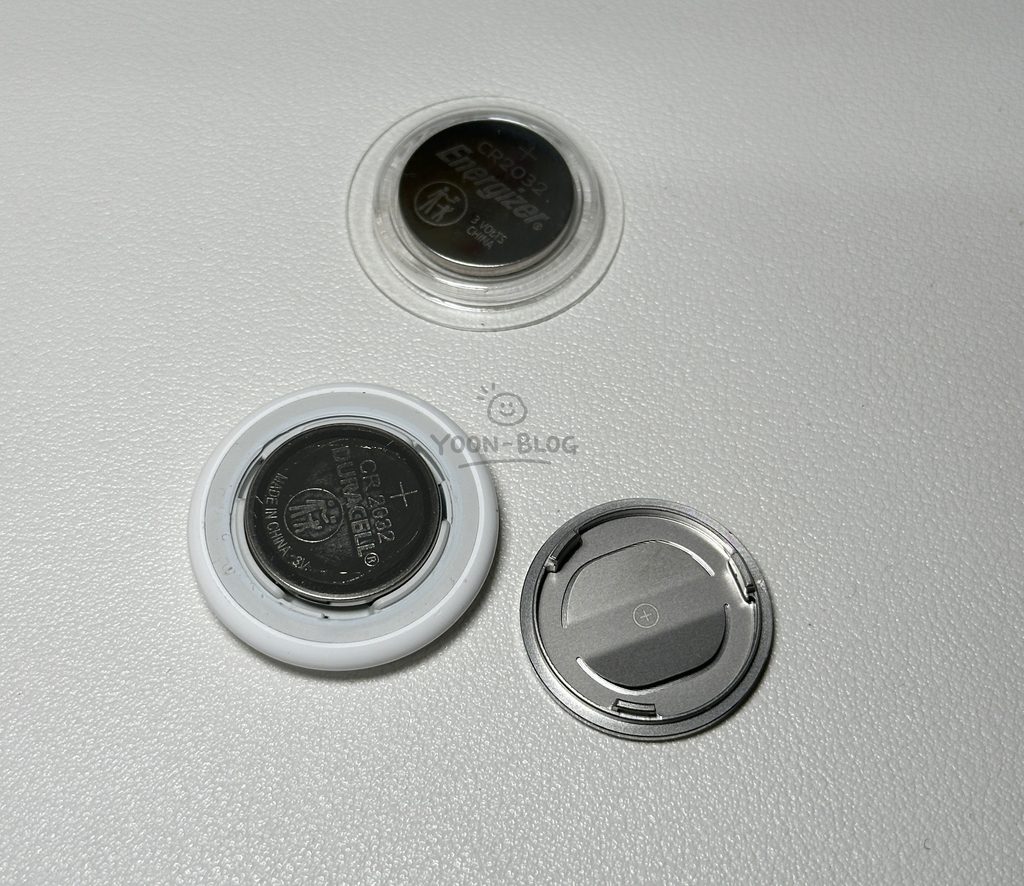
Since I already
had the AirTag out,
I replaced the battery
at the same time.
Changing an AirTag battery
is actually very simple.
Press down
on the silver metal cover
and rotate it
to open the AirTag.
Replace the battery,
then align the cover
and rotate it back
into place.
Done.
After dealing
with my previous leather case,
I realized that
when choosing an AirTag case,
it’s actually pretty important
to check whether
the AirTag can be removed easily.
Since the battery
will eventually need
to be replaced,
a case that’s easy to open
makes a big difference.
How to Install the AirTag in the Belkin Holder
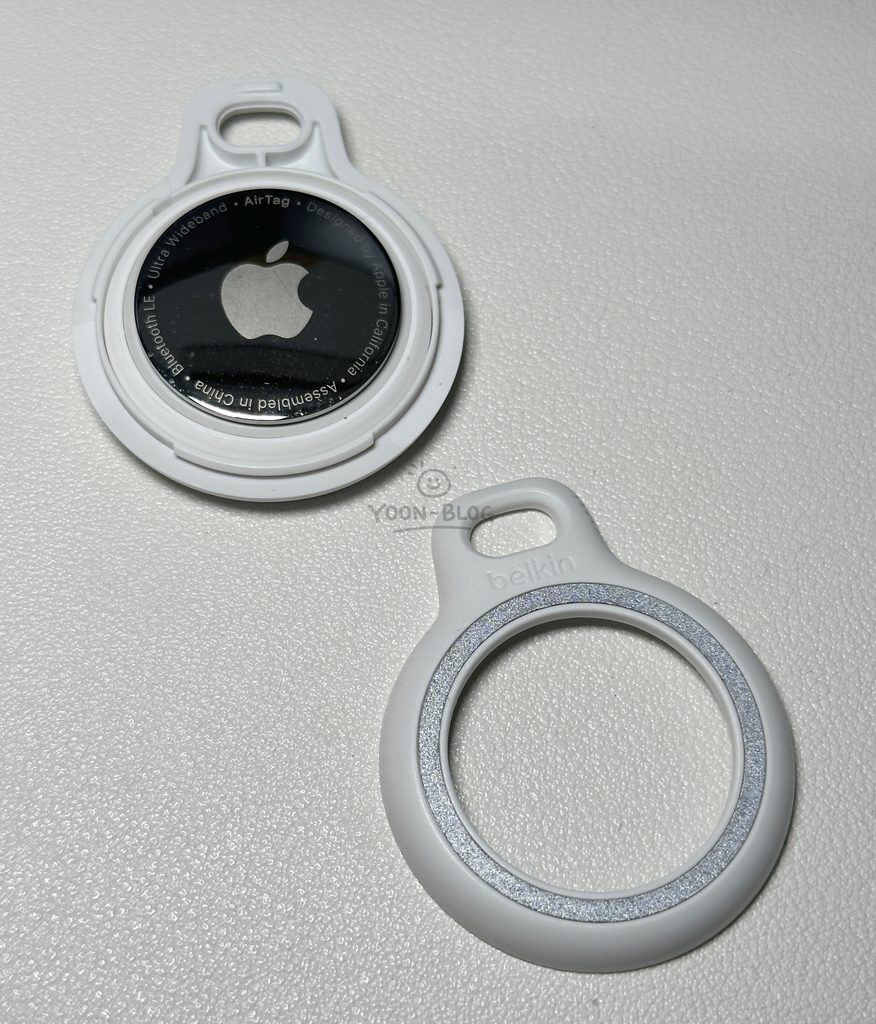
Installing the AirTag
in the Belkin case
is also very simple.
Open the holder,
place the AirTag inside,
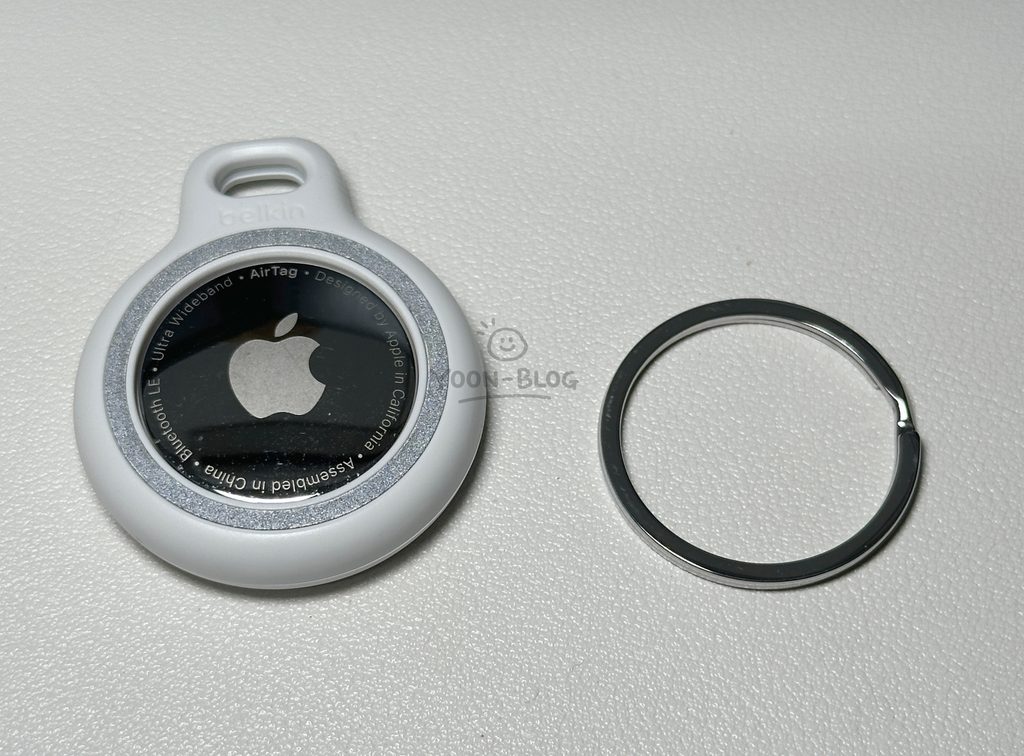
then align the two pieces
and rotate them
to lock everything in place.
That’s it.
Even if you’ve never
used this type of holder before,
the design is simple enough
that you probably won’t
need the instructions.
The best part for me
is knowing that
when the battery dies again,
I can just open the holder
and replace it.
No cutting
or destroying anything.
Why I Chose White
The Belkin AirTag holder
is also available in black,
but I chose White.
Since my previous
rabbit keychain
was white,
I thought
I’d keep the same color.
The AirTag itself
is also white,
so the combination
looks very clean.
It also matches
my car key nicely
without standing out too much.
How It Looks on My Car Key
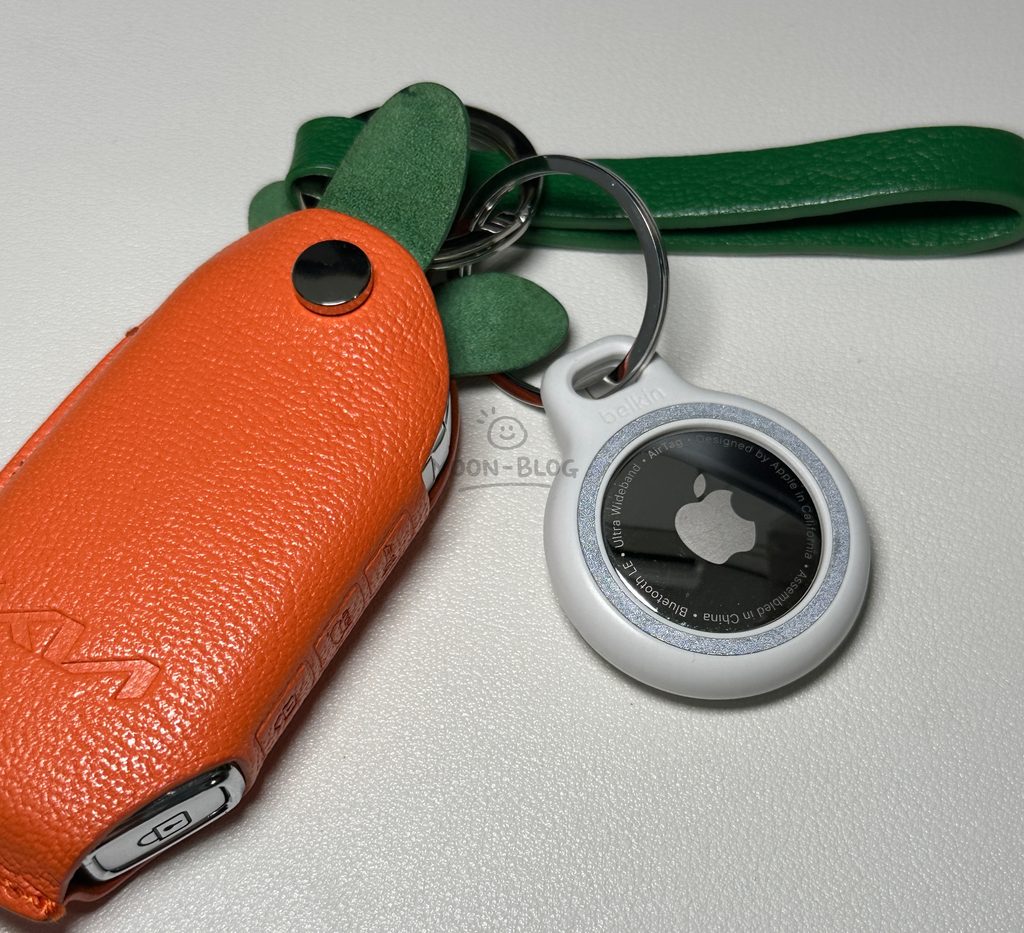
The rabbit is gone,
but the Belkin holder
definitely gives the key
a much cleaner
and simpler look.
It doesn’t have
the same character
or personality
as the handmade rabbit,
but it matches
the AirTag very well.
The size is also
small enough
that it doesn’t feel bulky
when attached to a car key.
I also haven’t noticed
any issues
with location tracking
while using the case.
What I Don’t Like
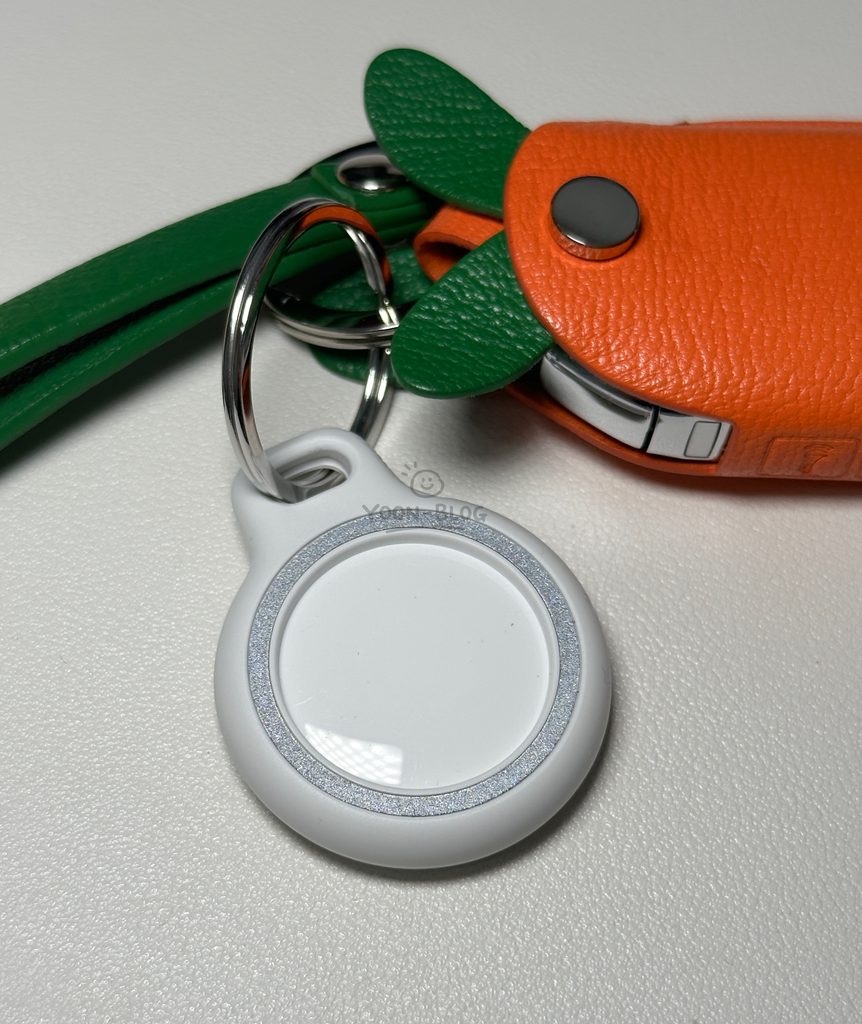
My biggest complaint
is still the exposed back.
I personally would have preferred
a case that completely
covered the AirTag
so I wouldn’t have to worry
as much about scratches.
That said,
the holder keeps
the AirTag securely in place,
and I haven’t had
any major problems
during everyday use.
So for me,
it’s more of
a design preference
than a serious issue.
Final Thoughts on the Belkin AirTag Case
When I searched
for AirTag cases,
I was surprised
by how difficult it was
to find one
with a design I actually liked.
Some looked too flashy,
while others
just felt a little strange.
In the end,
I went with Belkin
because the brand
generally works well
with Apple accessories
and tends to keep
its designs simple.
After using it,
the things I like most are:
- Easy AirTag installation
- Simple battery replacement
- Included key ring
- Clean design
- Convenient size for car keys
If you’re using
an AirTag on your car key
or another important item,
I definitely recommend
choosing a case
that makes it easy
to remove the AirTag
when the battery needs replacing.
The exposed back
is a little disappointing,
but overall,
the Belkin AirTag Secure Holder Key Ring
is a solid choice
if you’re looking
for a simple and practical
AirTag case.
“이 포스팅은 쿠팡 파트너스 활동의 일환으로, 이에 따른 일정액의 수수료를 제공받습니다.”


You May Also Like
Fujifilm X-T30III Review | Accessory Recommendations
AirPods Max 2 Midnight Unboxing | AirPods Max 2 Review